
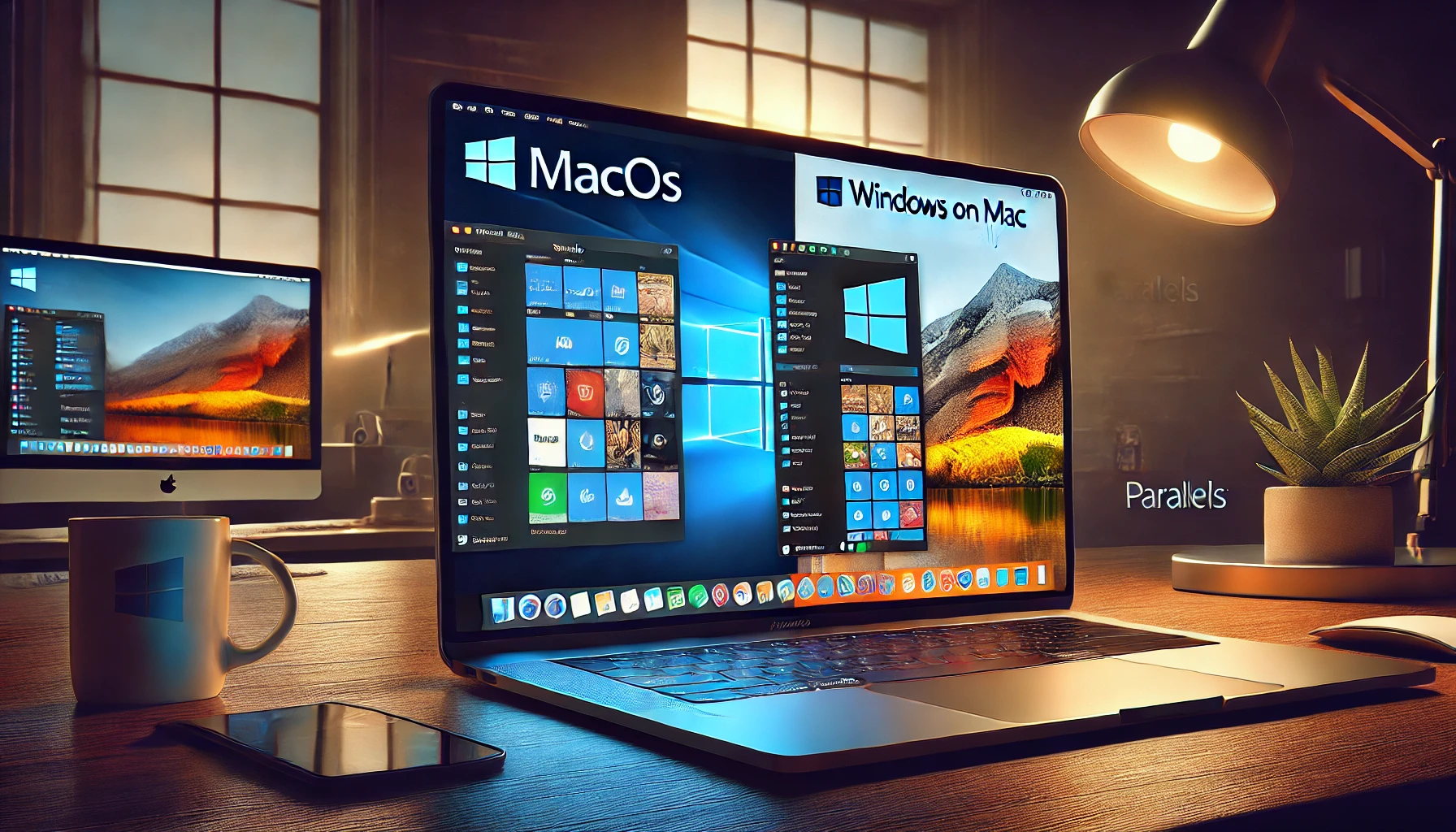
Parallels.com Review: The Ultimate Solution for Running Windows on Mac
Parallels.com is one of the leading providers of virtualization software, enabling users to run Windows, Linux, and other operating systems seamlessly on macOS. With its flagship product, Parallels Desktop, the company has revolutionized the way Mac users interact with Windows applications. Whether you’re a business professional, developer, or student, Parallels.com offers a powerful and efficient solution for multi-OS computing.
Key Features of Parallels Desktop
1. Seamless Windows Integration on Mac
- Run Windows applications alongside macOS without rebooting.
- Use Coherence Mode to hide the Windows interface while running Windows apps as if they were native Mac applications.
2. Optimized Performance
- Enhanced support for Apple M-series chips (M1 & M2).
- Optimized for gaming, productivity, and software development.
- High-speed performance with up to 50% faster startup and app launching.
3. Easy Setup & Use
- Download and install Windows with just a few clicks.
- No complex configurations required.
- Drag and drop files between macOS and Windows effortlessly.
4. Support for Multiple OS
- Install and run Windows 11, Linux distributions, and older Windows versions.
- Ideal for developers and IT professionals who require a variety of environments.
5. Enhanced Gaming Experience
- DirectX 11 and OpenGL support ensure smooth gameplay.
- Play Windows-exclusive games on Mac with improved frame rates.
6. Business & Pro Editions for Enterprises
- Centralized admin control for teams and businesses.
- Advanced networking, security, and automation features.
- Parallels Business Edition offers mass deployment and integration with corporate environments.
Benefits of Using Parallels
✅ No Need for Dual Booting: Unlike Boot Camp, Parallels lets you switch between macOS and Windows instantly.
✅ Increased Productivity: Run Windows-exclusive software like Microsoft Office, AutoCAD, and Adobe applications on your Mac seamlessly.
✅ Cost-Effective: No need to purchase a separate PC for Windows applications.
✅ Enhanced Compatibility: Works with macOS Ventura and the latest Apple M-series chips.
✅ Improved Battery Life: Optimized to consume less power while delivering high performance.
Pricing and Subscription Plans
Parallels offers various pricing options to suit different needs:
- Parallels Desktop Standard – $99.99/year (or one-time purchase for $129.99)
- Parallels Desktop Pro Edition – $119.99/year (best for developers and testers)
- Parallels Desktop Business Edition – $149.99/year (ideal for enterprises)
Parallels also provides a free trial, allowing users to test the software before committing to a purchase.
Real-World Applications of Parallels
- Business & Productivity: Companies can run Windows-based software without purchasing new hardware.
- Software Development: Developers can test cross-platform applications efficiently.
- Graphic Design & Video Editing: Run Windows-only design tools on Mac with ease.
- Gaming: Enjoy a wide range of Windows games without needing a separate gaming PC.
- Education: Students and educators can use Windows apps required for their coursework on Mac.
Frequently Asked Questions (FAQs)
1. Is Parallels better than Boot Camp?
Yes. Unlike Boot Camp, which requires restarting your Mac to switch between macOS and Windows, Parallels allows you to run both simultaneously.
2. Does Parallels support Windows 11?
Yes, Parallels fully supports Windows 11 and provides easy installation for users.
3. Can I use Parallels on an M1 or M2 Mac?
Absolutely! Parallels is optimized for Apple Silicon and runs Windows ARM-based versions efficiently.
4. Do I need a Windows license for Parallels?
Yes, you need a valid Windows license to activate Windows on Parallels.
5. Can I play Windows games on Parallels?
Yes, Parallels supports DirectX 11 and OpenGL, allowing users to run many Windows-exclusive games smoothly.
Conclusion
Parallels.com offers a powerful, user-friendly, and highly efficient virtualization solution for Mac users. Whether you’re a business professional, gamer, or developer, Parallels Desktop provides seamless integration and enhanced productivity without requiring a separate Windows PC. With robust performance, optimized compatibility for Apple Silicon, and various pricing plans, Parallels is the go-to choice for running Windows on Mac.
Get Started Today!
Click here to explore Parallels and transform the way you work on your Mac.





 English
 Arabic