ITP Logo
  • Home
  • Programming & Tech
    • WordPress
    • Website Builders & CMS
    • Game Development
    • Development for Streamers
    • Web Programming
    • Website Correction
    • E-Commerce Development
    • Mobile Apps
    • Desktop Applications
    • Chatbots
    • Support & IT
    • Online Coding Lessons
    • Cybersecurity & Data Protection
    • Get Your Website in a Few Steps
    • Electronics Engineering
    • Convert Files
    • User Testing
    • QA & Review
    • Blockchain & Cryptocurrency
    • Data Science
    • Databases
    • Data Processing
    • Data Engineering
  • Digital Marketing
    • Social Media Marketing
    • Social Media Advertising
    • Search Engine Optimization
    • Local SEO
    • Marketing Strategy
    • Public Relations
    • Content Marketing
    • Video Marketing
    • Email Marketing
    • Web Analytics
    • Text Message Marketing
    • PPC
    • App Design
  • About As
All Categories
  • Home
  • Programming & Tech
    • WordPress
    • Website Builders & CMS
    • Game Development
    • Development for Streamers
    • Web Programming
    • Website Correction
    • E-Commerce Development
    • Mobile Apps
    • Desktop Applications
    • Chatbots
    • Support & IT
    • Online Coding Lessons
    • Cybersecurity & Data Protection
    • Get Your Website in a Few Steps
    • Electronics Engineering
    • Convert Files
    • User Testing
    • QA & Review
    • Blockchain & Cryptocurrency
    • Data Science
    • Databases
    • Data Processing
    • Data Engineering
  • Digital Marketing
    • Social Media Marketing
    • Social Media Advertising
    • Search Engine Optimization
    • Local SEO
    • Marketing Strategy
    • Public Relations
    • Content Marketing
    • Video Marketing
    • Email Marketing
    • Web Analytics
    • Text Message Marketing
    • PPC
    • App Design
  • About As
0
There are 0 item(s) in your cart
Subtotal: $0.00
View Cart
Check Out
PDF Expert for MAC
03 Apr

PDF Expert for Mac Review 2025

Post By: admin
0 Comments
72 / 100
Powered by Rank Math SEO
SEO Score

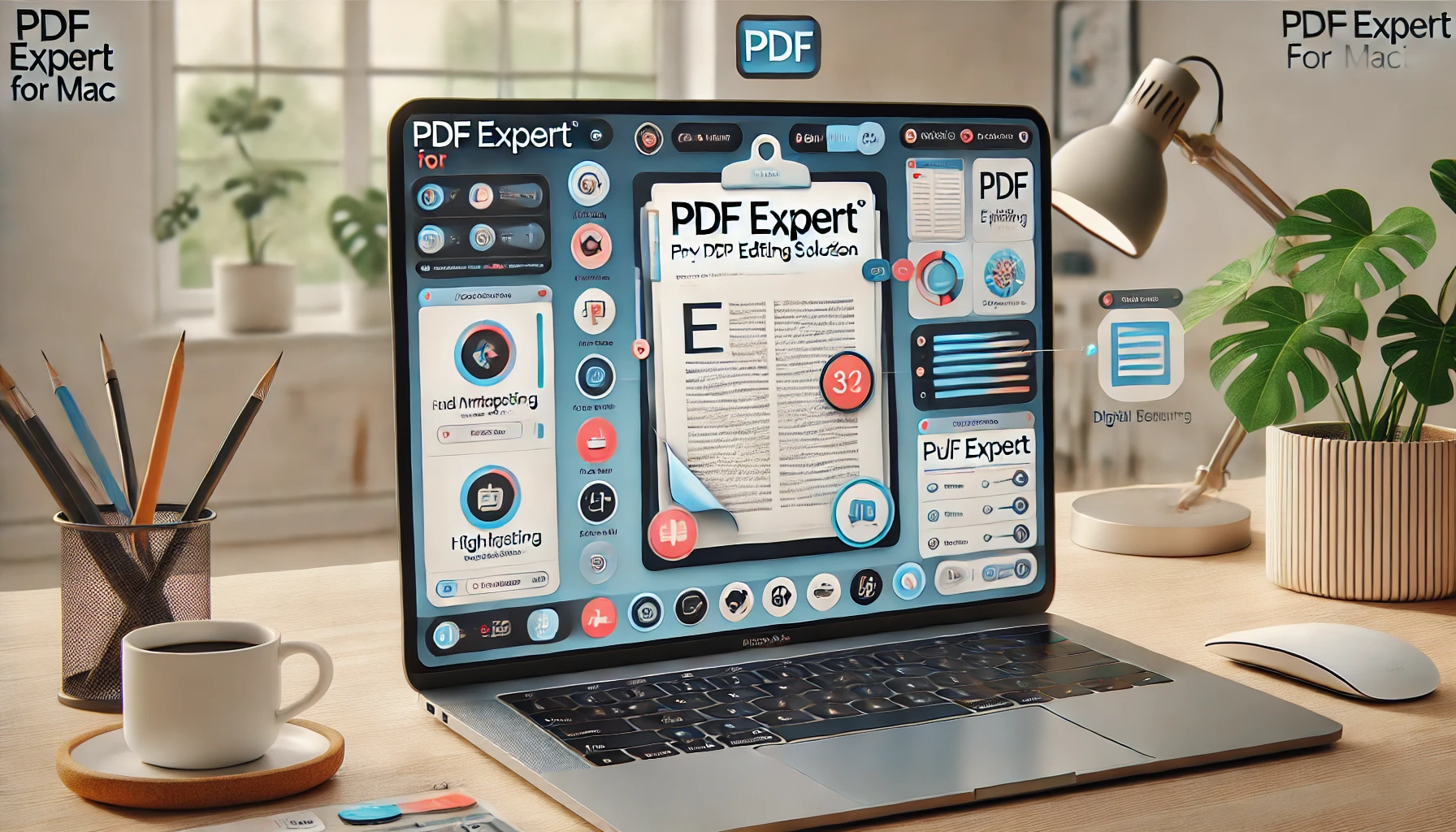
PDF Expert for Mac: The Best PDF Editing Solution

When it comes to handling PDF files efficiently on macOS, PDF Expert for Mac is one of the most powerful and user-friendly tools available. Whether you need to edit, annotate, convert, or sign PDFs, PDF Expert provides a seamless experience tailored for professionals, students, and business users. In this in-depth review, we will explore its features, benefits, pricing, and why it stands out among competitors.

What is PDF Expert for Mac?

PDF Expert for Mac is a premium PDF editor developed by Readdle, a well-known company that creates high-quality productivity apps for Apple devices. It is designed to provide an intuitive and powerful solution for managing PDF documents, making it an ideal choice for those who frequently work with PDFs.

Key Features of PDF Expert

1. Advanced PDF Editing

  • Edit text, images, and links directly in a PDF.
  • Maintain the original formatting while making changes.
  • Adjust fonts, sizes, and colors effortlessly.

2. Seamless Annotation & Markup

  • Highlight, underline, or strikethrough text.
  • Add comments, notes, and drawings.
  • Use different annotation tools to collaborate with team members.

3. Efficient PDF Conversion & Compression

  • Convert PDFs to Word, Excel, PowerPoint, and other formats.
  • Reduce file size without compromising quality.
  • Export files while preserving original layout and formatting.

4. Lightning-Fast PDF Viewing

  • Smooth and fast scrolling, even with large PDFs.
  • Split view and multi-tab support for multitasking.
  • Night mode for comfortable reading in low-light conditions.

5. Secure & Private Document Handling

  • Password-protect sensitive PDFs.
  • Redact confidential information permanently.
  • Sign PDFs securely with electronic signatures.

6. Form Filling & Signing

  • Easily fill out interactive PDF forms.
  • Add digital or handwritten signatures.
  • Use stored signatures for quick document approvals.

Why Choose PDF Expert for Mac?

  1. Mac-Optimized Performance – Designed exclusively for macOS, ensuring smooth integration and fast performance.
  2. User-Friendly Interface – Simple, clean, and easy to navigate.
  3. High-Speed Processing – Handles large files with ease, making it ideal for business and academic use.
  4. One-Time Purchase Option – Unlike Adobe Acrobat, PDF Expert offers a more affordable one-time purchase plan.
  5. Regular Updates – Readdle continuously improves the software with new features and enhancements.

Pricing & Plans

PDF Expert offers flexible pricing options:

  • One-Time Purchase – $139.99 for lifetime access.
  • Subscription Plan – $79.99 per year, including continuous updates and new features.
  • 7-Day Free Trial – Test all features before committing to a purchase.

How to Download and Install PDF Expert

  1. Visit the official PDF Expert for Mac website.
  2. Click on “Download Free Trial” or “Buy Now.”
  3. Install the software and follow the on-screen instructions.
  4. Activate your license and start editing PDFs effortlessly.

Frequently Asked Questions (FAQs)

1. Is PDF Expert for Mac free?

PDF Expert offers a free trial, but the full version requires a one-time purchase or a subscription.

2. Can I use PDF Expert offline?

Yes, PDF Expert works offline, allowing you to edit and manage PDFs without an internet connection.

3. How does PDF Expert compare to Adobe Acrobat?

PDF Expert is a more affordable and lightweight alternative to Adobe Acrobat, offering powerful features with a simpler interface.

4. Does PDF Expert support OCR (Optical Character Recognition)?

Currently, PDF Expert does not have built-in OCR, but it allows users to edit text in existing PDFs.

5. Is PDF Expert secure for handling sensitive documents?

Yes, PDF Expert offers encryption, password protection, and redaction features to keep documents secure.

Final Verdict: Is PDF Expert Worth It?

Absolutely! PDF Expert for Mac is an excellent tool for professionals, students, and business users who need a robust and efficient PDF editor. With its intuitive interface, powerful editing tools, and seamless performance, it stands out as one of the best PDF editors available for macOS. Whether you need to edit, annotate, sign, or secure PDFs, PDF Expert delivers an outstanding experience.

👉 Get PDF Expert Now – Click Here to start your free trial and enhance your PDF workflow today!

Visit Now

Related News

09 May
brand authority

Why Brand Authority and Topical Depth Matter More Than Ever in SEO

0 Comments
brand authority , content clusters , Content marketing , digital marketing , E-E-A-T , SEO strategy , topical depth
Read More
16 Nov

US Legal Forms Review 2024

0 Comments
Read More
16 Nov

Trademark Engine Review

0 Comments
Read More

LEAVE A COMMENT
Cancel reply

Make sure you enter the(*) required information where indicated. HTML code is not allowed

Your could not be saved. Please try again.
Your Enquiry has been successful.

Fill the form for Special Requirement

ITP Logo

USEFUL LINKS

  • Home
  • About Us
  • Blogs
  • Contact

POLICY LINKS

  • Privacy Policy
  • Terms & Conditions
  • Return Policy Cancellacen Policy
  • Disclaimer

Contact Us

  • USA :1065 SW 8th St #2283 Miami, FL 33130 United States
  • INDIA : F/F,, House No-78-79,, Kh. No-487/28,, Peera Garhi Village,, Near Ekta Enclave,, West Delhi, Delhi, 110087
  • contact@informationtechnologyproduct.com
Facebook-f Instagram Linkedin

Copyright ©2021-2025 Information Technology Products. All Rights Reserved.
Powerd By Onlinks Web Services Private Limited

payment icon
Close
Sign in Or Register
Forgot your password?

NEW HERE?

Registration is free and easy!

  • Faster checkout
  • Save multiple shipping addresses
  • View and track orders and more
Create an account
X
  • en English
    • en English
    • ar Arabic
102580 Santa Monica BLVD Los Angeles

My account

  • primary menu
  • Home
  • Programming & Tech
    • WordPress
    • Website Builders & CMS
    • Game Development
    • Development for Streamers
    • Web Programming
    • Website Correction
    • E-Commerce Development
    • Mobile Apps
    • Desktop Applications
    • Chatbots
    • Support & IT
    • Online Coding Lessons
    • Cybersecurity & Data Protection
    • Get Your Website in a Few Steps
    • Electronics Engineering
    • Convert Files
    • User Testing
    • QA & Review
    • Blockchain & Cryptocurrency
    • Data Science
    • Databases
    • Data Processing
    • Data Engineering
  • Digital Marketing
    • Social Media Marketing
    • Social Media Advertising
    • Search Engine Optimization
    • Local SEO
    • Marketing Strategy
    • Public Relations
    • Content Marketing
    • Video Marketing
    • Email Marketing
    • Web Analytics
    • Text Message Marketing
    • PPC
    • App Design
  • About As

WhatsApp us